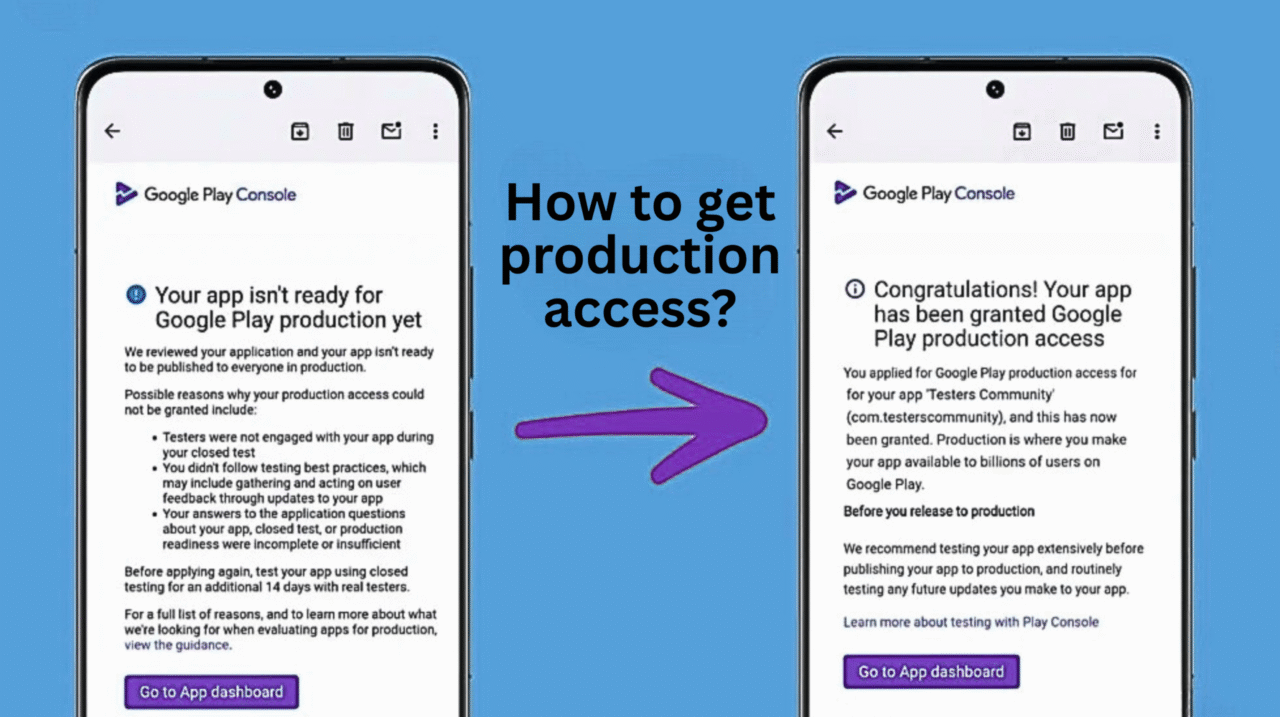
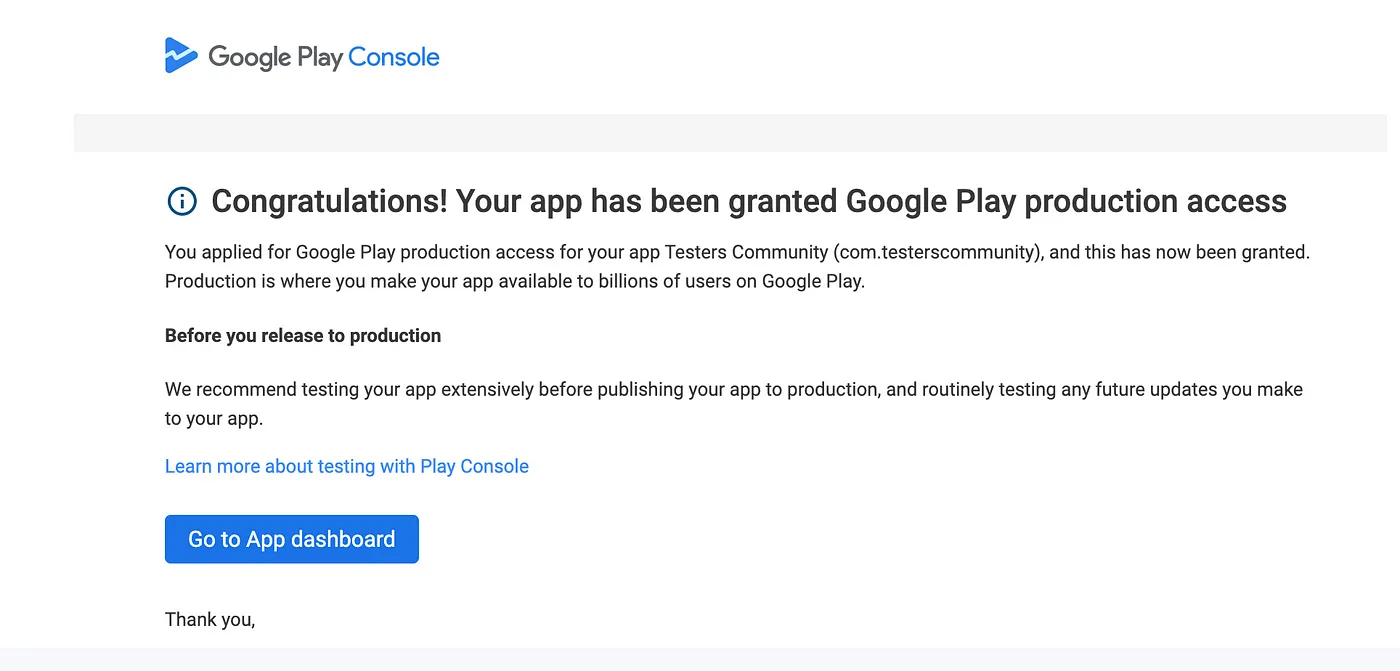
Recently, Google has begun rejecting production access for many apps on the Google Play Console during the Closed Testing phase.
If you’re reading this, there’s a good chance your app’s production access was also denied, and your Closed Testing may have restarted automatically.
Let’s look at the possible reasons behind these rejections — and more importantly, how you can successfully secure production access this time.
Reasons for production access getting rejected
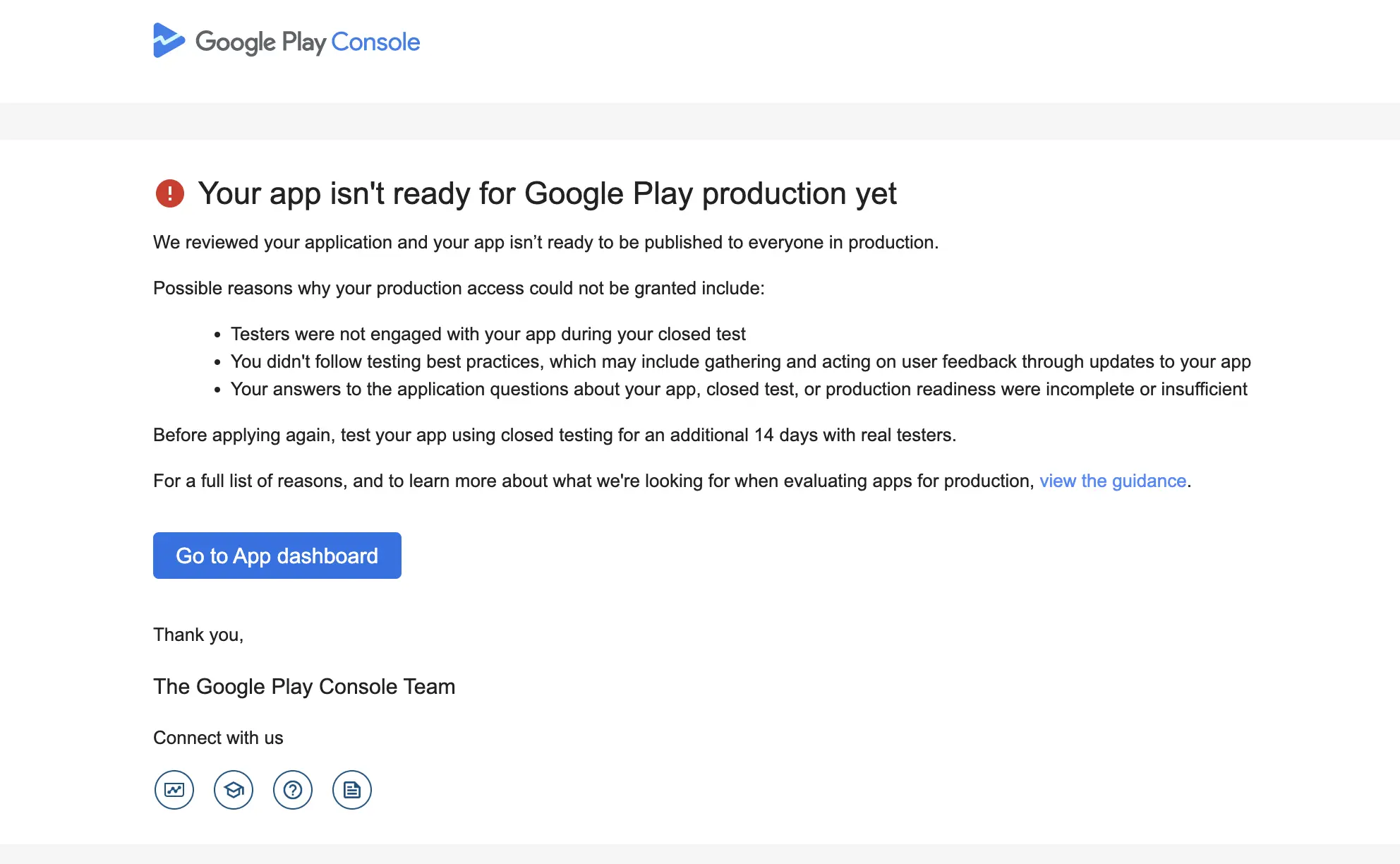
According to the email sent by Google, the app was rejected for the following reasons.
1. Incorrect production form submission
Many developers fail to complete the production access form with all the necessary information. As a result, Google may not receive accurate details about your app or its testing process.
2. App not updated after testing
Google expects developers to refine their apps based on tester feedback. Skipping updates may signal that feedback wasn’t taken seriously or that improvements were not implemented.
3. Low tester engagement
This isn’t always the cause, as several developers I’ve spoken with confirmed that their testers actively used the app throughout the 14-day period. Testers were often recruited from friends, family, testing agencies, and online communities like Reddit.
How to Get Production access in Google Play?
I’ve personally spoken with several affected developers and gone through numerous Reddit discussions about this issue. To help you avoid facing the same rejection, make sure you follow these key steps carefully:
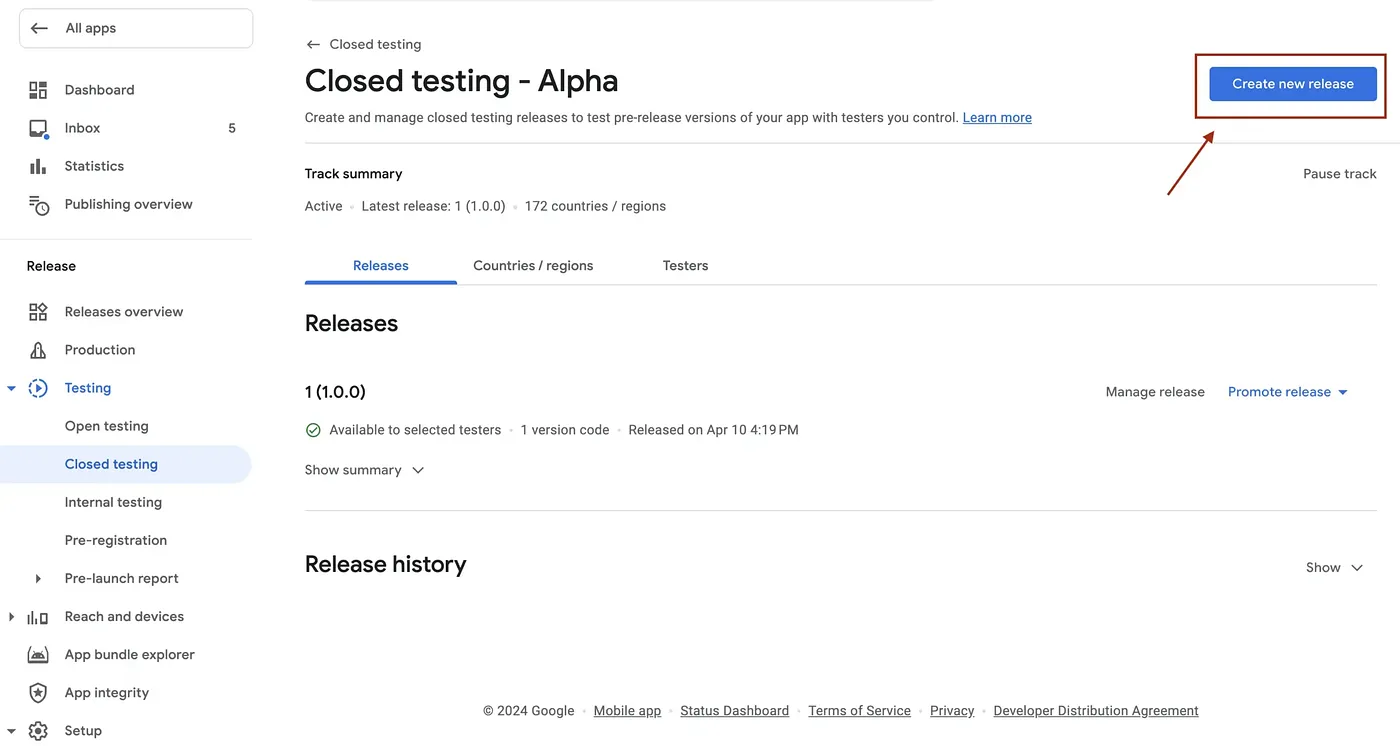
1. Publish at least three new Closed Testing releases
During the 14-day closed testing period, make sure to publish at least three new releases of your app. Even small updates are fine — tweak a few elements, fix minor bugs, or make subtle improvements, then upload the new build to your closed testing track. In your release notes, include meaningful points describing how the app was improved.
The goal is to show Google that you’re actively engaging with tester feedback and continuously improving your app. Don’t skip this step — even if your app seems perfect, releasing updates demonstrates genuine development activity, which helps strengthen your production access request.
2. Focus on app quality
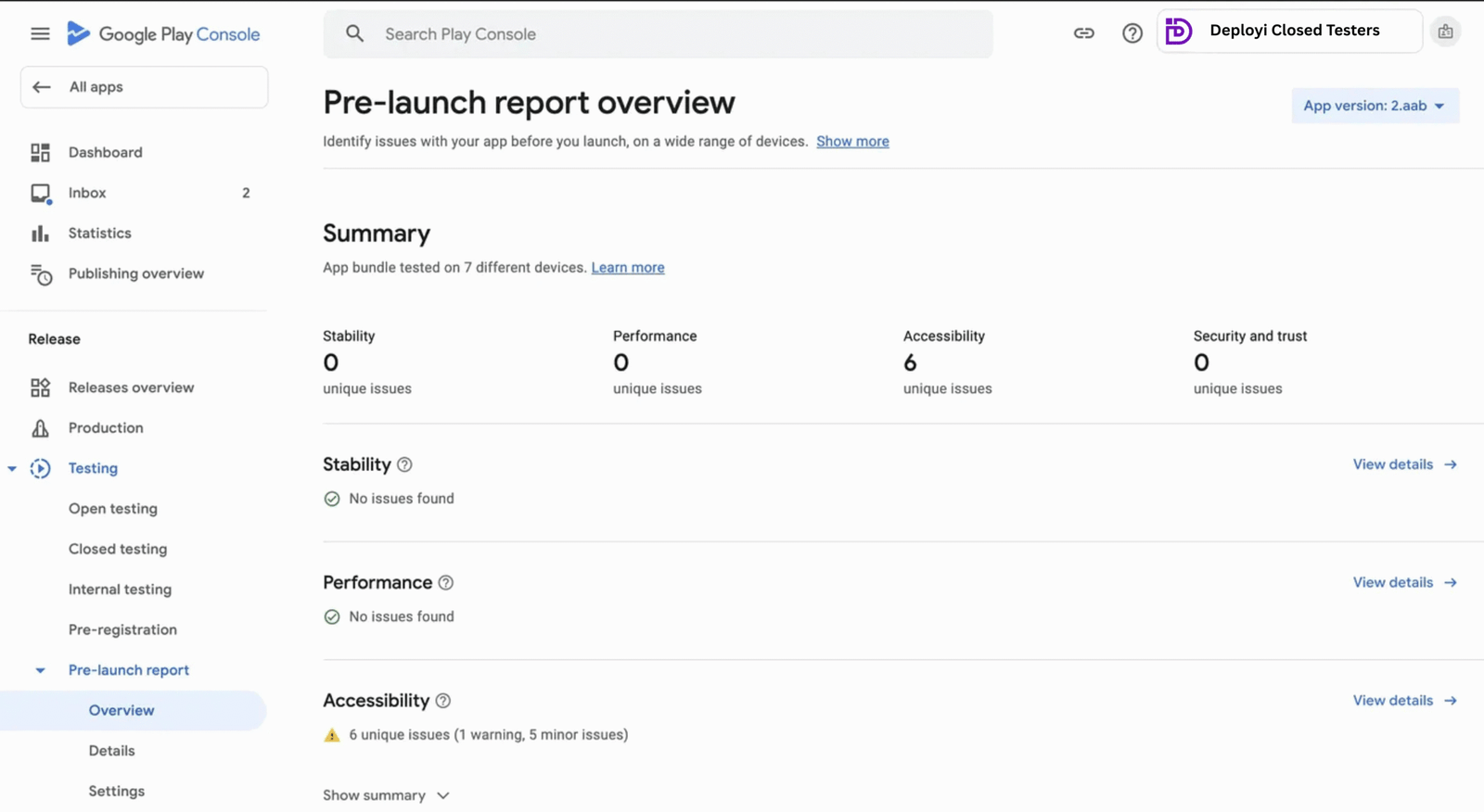
One of the main factors Google evaluates is your app’s overall quality. Make sure your app features a clean, professional UI and UX, and that it’s free of bugs, crashes, or layout issues such as overflowing columns.
You can review potential problems in the Pre-launch Report found on the lower-left panel of your Play Console. Go through every issue listed there, fix them, and upload a new release—aim to keep the total number of issues below ten.
This step is crucial because Google’s new review requirements are designed to ensure that only high-quality, well-tested apps are approved for publication on the Play Store.
3. Complete the Production Access form thoughtfully
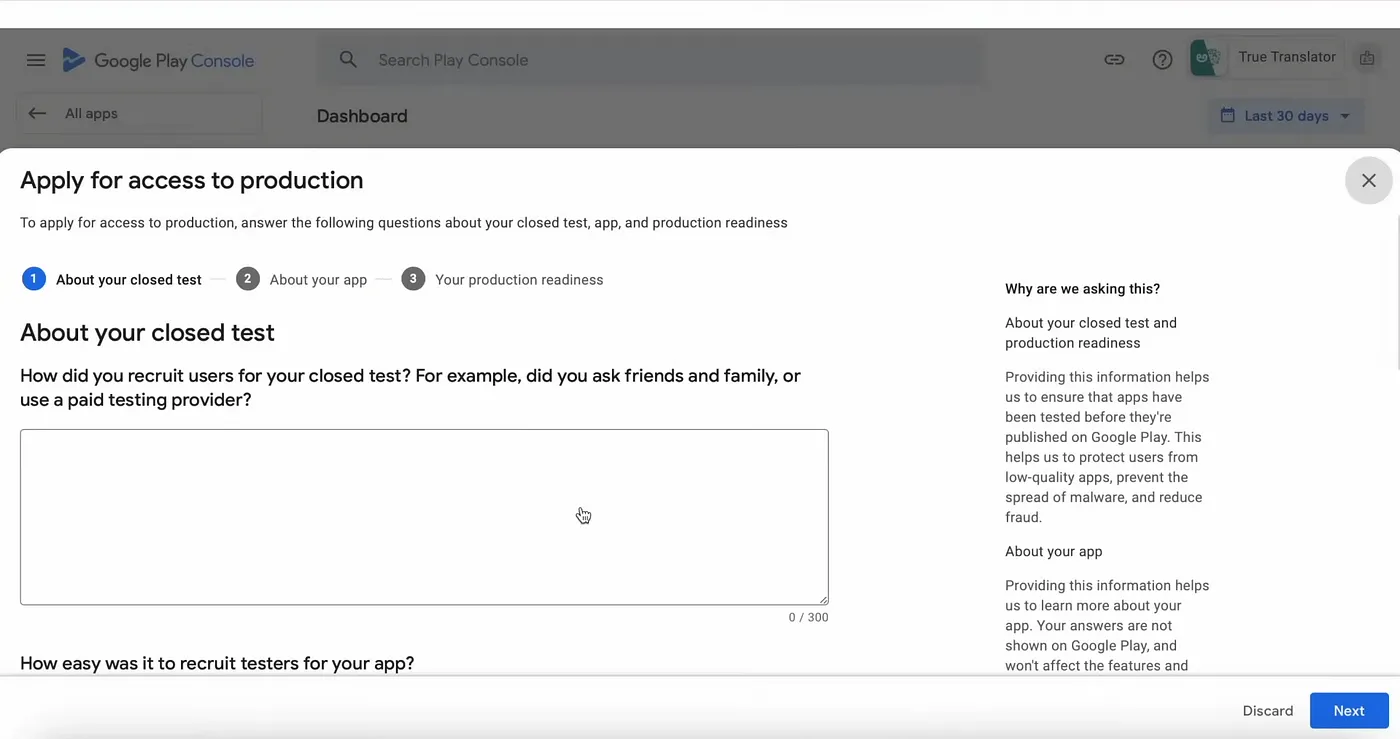
This is also one of the main reasons production access requests get rejected. Google requires you to answer ten questions about your app and its testing process. Make sure each response is detailed — at least 250–300 characters per question.
Below are example answers written for a Chess app, though you can easily adapt them for any app with minor changes.
1) How did you recruit users for your closed test?
We partnered with a professional, paid testing company to connect with experienced testers who provided detailed, actionable feedback.
Additionally, we reached out through relevant online communities to recruit real users who reflected our target audience.
2) How easy was it to recruit testers for your app?
Recruiting testers was manageable — neither too difficult nor too easy — thanks to a balanced mix of professional testers and community participants.
3) Describe the engagement you received from testers during your closed test.
Our testers were highly engaged throughout the closed testing phase. They actively reported bugs, suggested new features, and shared usability insights that helped us enhance gameplay, streamline navigation, and improve performance.
4) Provide a summary of the feedback that you received from testers. Include how you collected the feedback.
We gathered feedback through direct conversations and the Play Store feedback section. Testers suggested new levels, UI improvements, and minor bug fixes — all of which contributed to refining the overall user experience.
5) What changes did you make to your app based on what you learned during your closed test?
Based on tester feedback, we enhanced the interface for better navigation, added a splash screen, introduced requested features, and fixed several minor bugs. These updates helped us deliver a smoother, more stable experience.
6) How did you decide that your app is ready for production?
We determined that our app is production-ready after resolving all reported issues, refining the design, and improving usability. The app now performs consistently across devices and meets the quality standards expected for public release.
7) What did you do differently this time?
This time, we integrated tester feedback directly into the development cycle, improved accessibility, refined UI elements, and focused on stability. The result is a polished, user-friendly app that delivers a seamless experience.
Note:
The remaining questions are app-specific. Adjust your responses based on your app’s purpose and functionality — but ensure each answer remains clear, professional, and at least 250–300 characters long.
Closing Thoughts
We all dislike Google’s 12-tester policy and hoped it would eventually disappear, but with these new updates, it’s clear the rule is here to stay. Still, we indie developers aren’t going anywhere either.
I’ll continue sharing the latest updates, insights, and tested solutions to help you navigate Google Play’s production access requirements. To get your app approved successfully, reach out to us at deployi.com — we’ll guide you through every step of the process.



 Oct 05,2025
  By Deployi