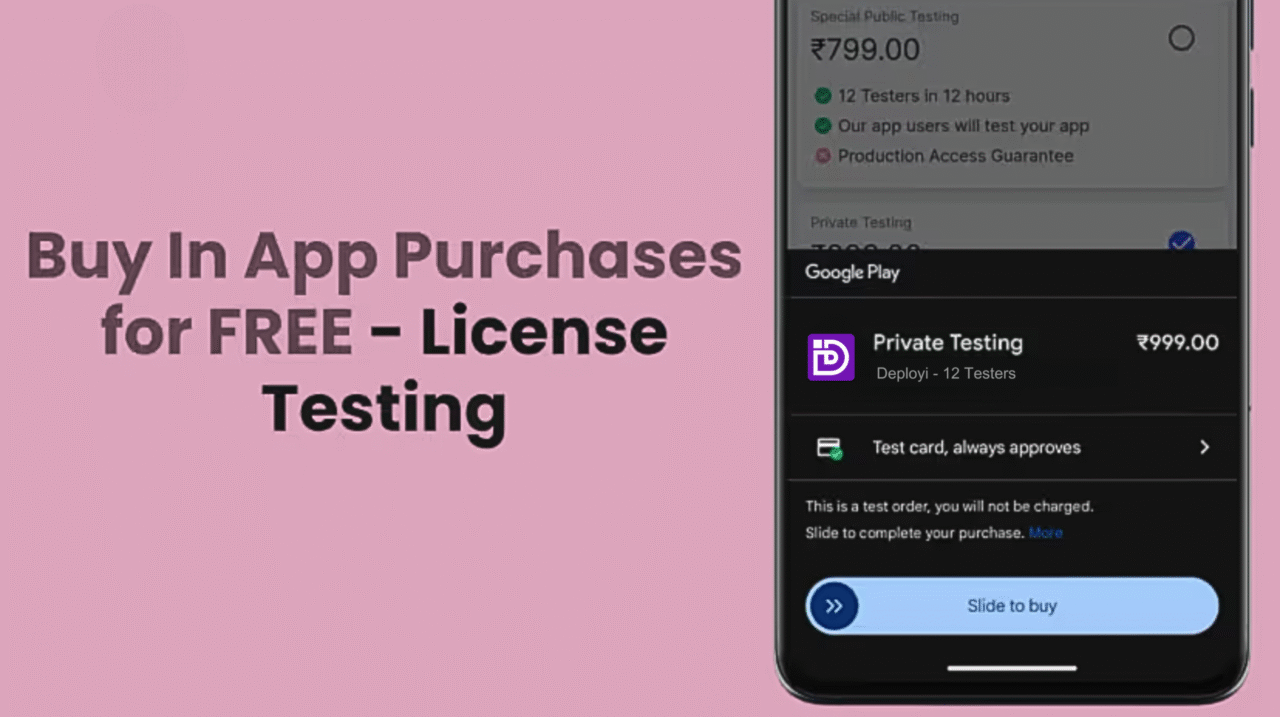
If you’re testing your app in a closed testing track on the Google Play Console and assume testers can make in-app purchases for free, think again. Adding users to a closed or internal track doesn’t automatically exempt them from payment — they’ll still be charged real money for every transaction.
That’s where License Testing comes in. This built-in feature lets you whitelist specific Google accounts so testers can simulate in-app purchases without being billed. It’s the only safe way to verify purchase flows without spending actual funds.
Why It Matters
Without license testing, every tester must use a real payment method, even in closed or internal testing. This adds unnecessary hassle and expense when your only goal is to confirm that purchases, subscriptions, and refunds work correctly.
How to Set Up License Testing (Step-by-Step) ?
Here’s how you can enable it in your Play Console
1. Open your Google Play Console dashboard.
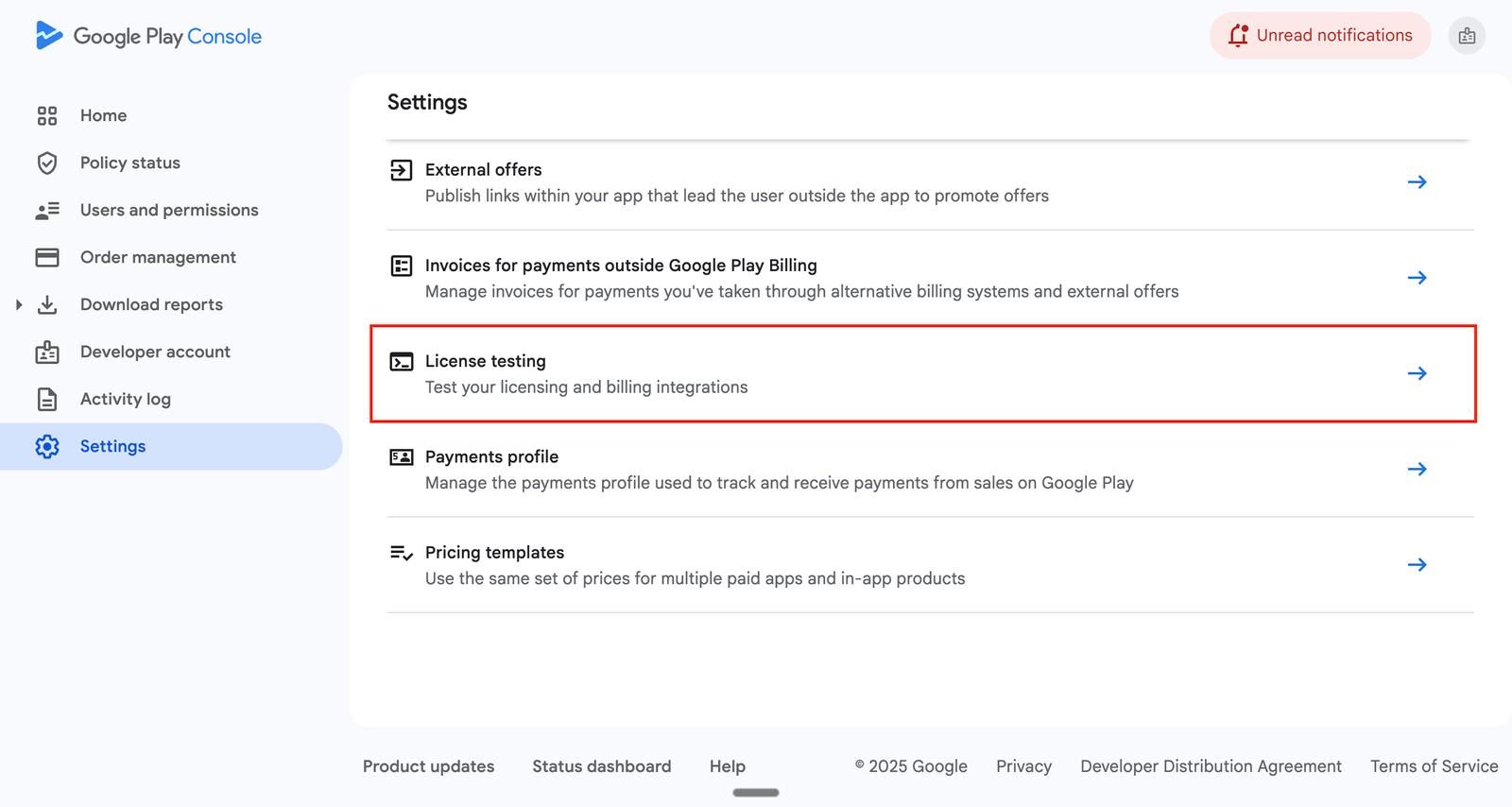
2. From the left-hand menu, select Settings.
3. Scroll down to find the License Testing section and click on it to open the configuration page.
4. Create an email list and add all your testers’ Gmail addresses to it.
5. Once you’ve done that, click Save changes. (You’ll also see another Save changes button on the main License Testing screen — make sure to click that one as well.) After saving, all the added testers will be able to make in-app purchases for free while testing your app.
What Happens When Testers Trigger a Purchase?
Once your testers’ emails are added under License Testing, they won’t encounter the regular payment screen. Instead, they’ll see simulated purchase options such as:
Test card — always approves
Test card — always declines
Slow test card — approves after a few minutes
Slow test card — declines after a few minutes
Your testers can choose the behavior that matches their testing scenario and proceed as if they’re completing a real transaction — without any actual payment being processed.
Conclusion
License Testing is one of the most useful yet often overlooked features in the Google Play Console. It simplifies testing in-app purchases, saving both time and money. If you have any questions about License Testing or anything related to the Google Play Console, feel free to contact us at support@deployi.com.



 Oct 05,2025
  By Deployi