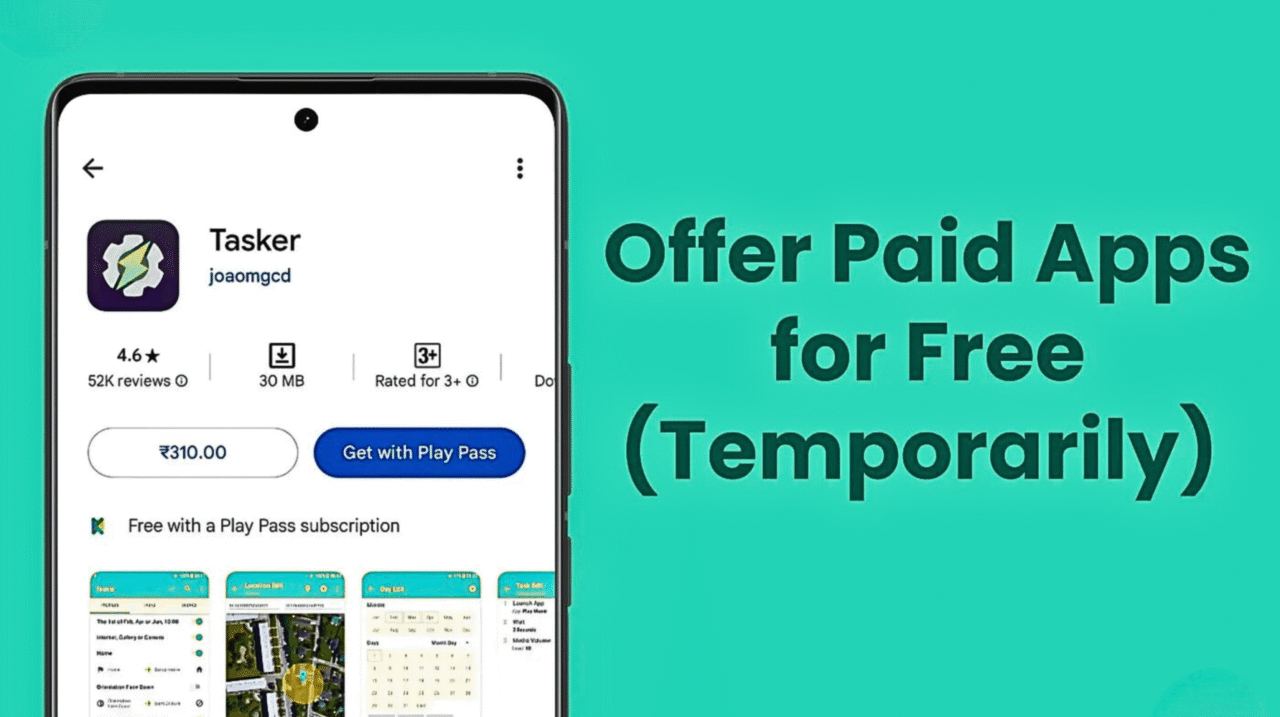
Google Play allows developers to temporarily make their paid apps available for free. After the selected duration, the app automatically reverts to its paid status. You can achieve this by either setting up a $0 limited-time sale or distributing promo codes to selected users.
This guide walks you through both methods — configuring $0 sales and generating promo codes — and shares practical strategies to maximize reach, engagement, and long-term benefits from your promotion.
Why Offer Your Paid App for Free?
Reach New Audiences: Removing the price tag encourages more people to download and explore your app.
Collect Valuable Feedback: Free access invites a larger user base, helping you identify bugs and improvements faster.
Increase App Visibility: Limited-time free promotions often boost store rankings and attract organic attention.
Encourage Conversions: Free downloads can act as an entry point to premium plans, in-app purchases, or subscriptions.
Option 1: Create a $0 Sale
Steps to Set Up a $0 Sale
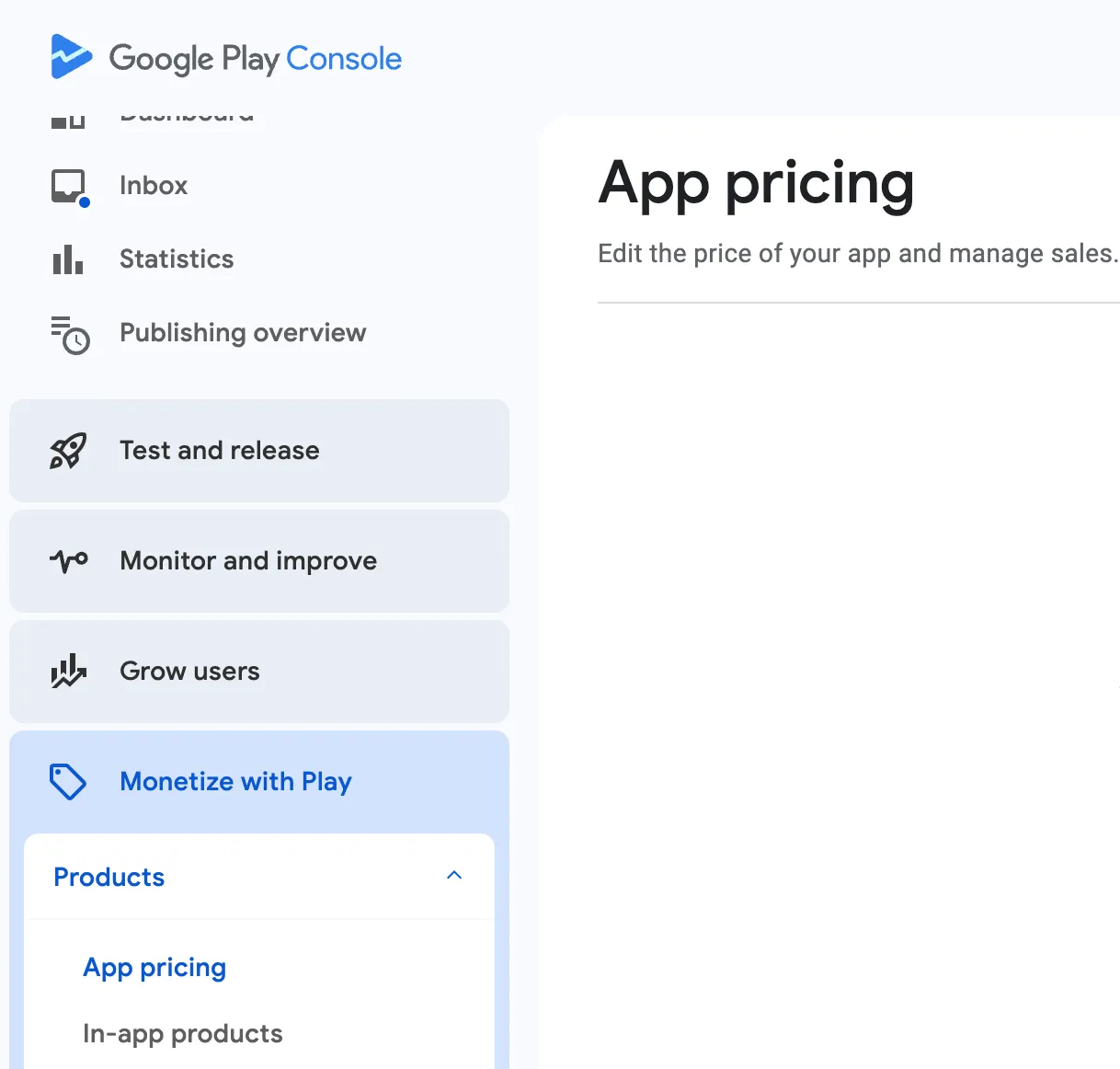
1) Open App Pricing in Play Console
Sign in to your Google Play Console account.
From the left-hand menu, go to Monetize with Play → Products → App Pricing.
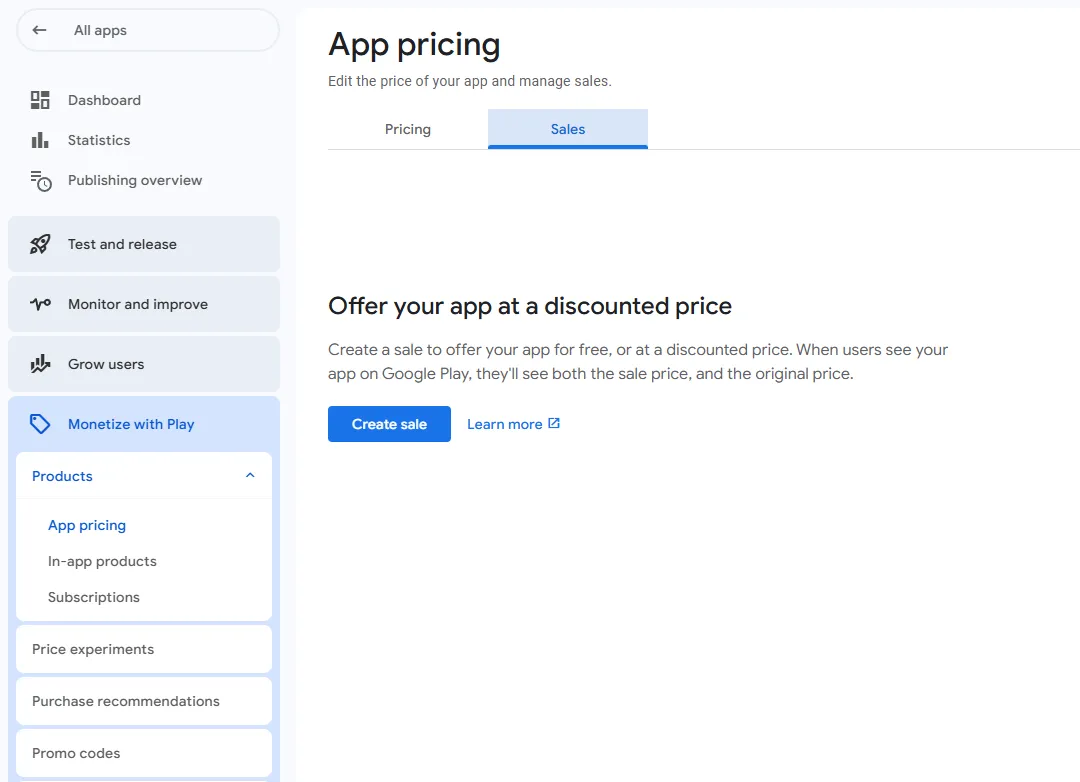
2) Configure the Sale
Open the Sales tab and click Create Sale.
Give your sale a name (for internal use only) and set your start and end dates.
3) Set the Sale Price to $0
Click Edit Sale Price and enter $0 in your default currency.
Choose whether the price applies globally or select specific regions for the promotion.
Important:
Always select All Countries when setting up a free sale.
Limiting the sale to one region (for example, the United States) will prevent users in other countries, such as Spain, from installing your app.
To ensure a seamless testing experience and global accessibility, make your sale available in all regions.
4) Save and Launch the Sale
Click Save, and your $0 sale will automatically begin on the selected start date.
Ensure that you select the maximum allowed duration — 7 days.
Key Considerations for $0 Sales
Temporary Promotion: A $0 sale is a short-term offer. After the promotion ends, your app automatically returns to its regular price.
Cooldown Period: Once a sale ends, you must wait around 30 days before creating another one.
Metrics Impact: Downloads made during a $0 sale are not counted as paid purchases, which may temporarily affect your buyer and revenue statistics.
Paid Status Retained: Unlike switching your app to permanently free, a $0 sale lets you maintain its paid classification on Google Play.
Option 2: Distribute Promo Codes
Promo codes are a great way to grant free access to specific users, such as testers, reviewers, or influencers, without making your app publicly free on the Play Store.
Steps to Set Up Promo Codes:
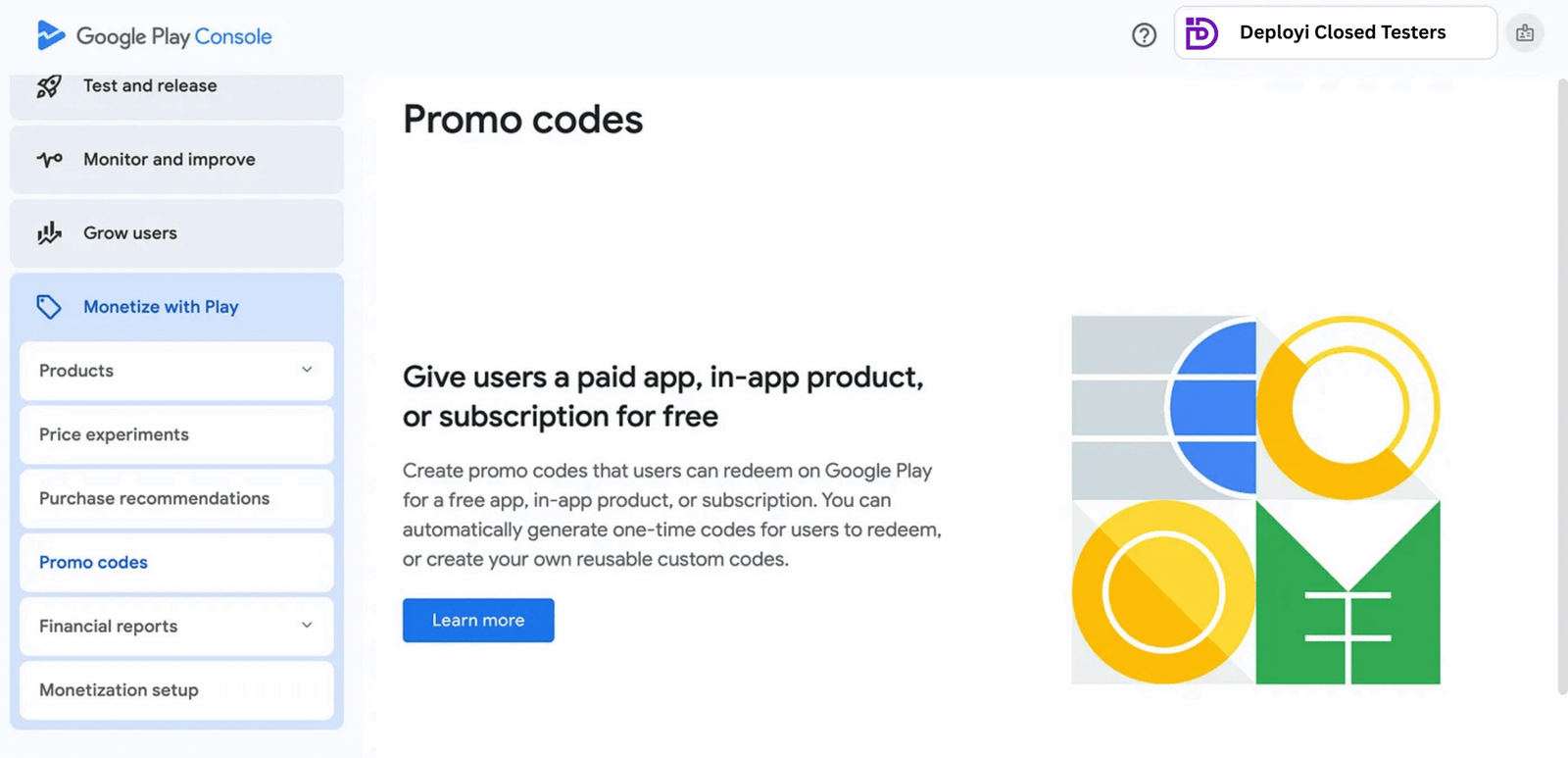
1) Access Promotions in Play Console:
Sign in to your Play Console and go to Monetize with Play → Products → Promotions.
2) Create a New Promotion:
Click Create Promotion to begin setting up your promo codes. Choose one of the following types:
One-Time Use Codes: Automatically generated, unique codes that can be redeemed once per user.
Custom Codes: Personalized codes that can be redeemed multiple times — ideal for promotions or subscription offers.
3) Define the Offer:
Select the specific item the promo code applies to — this could be your app, an in-app product, or a subscription. Set the start and end dates for the promo code validity period.
4) Distribute the Codes:
Share your promo codes with testers, influencers, or your target audience through email, social media, or any preferred communication channel.
How to Leverage These Tools for Testers
For developers collaborating with testers, Google Play’s $0 sales and promo codes can be powerful when used strategically:
Use Promo Codes for Controlled Access: Distribute promo codes to testers for free access without making your app publicly free on the Play Store.
Combine Both Methods: Use $0 sales for broader reach and promo codes for focused testing with influencers or niche audiences.
Encourage Feedback: Ask testers to provide detailed feedback, report bugs, and share insights after using the app to help refine the final release.
Frequently Asked Questions
Q1: Can I use both $0 sales and promo codes simultaneously?
Yes, you can! A $0 sale can be made available to the general public, while promo codes can be shared with specific users such as testers, influencers, or reviewers.
Q2: Do promo codes affect the app’s paid status?
No, using promo codes doesn’t change your app’s paid classification. They simply allow users to access your app for free without altering its pricing structure.
Q3: What’s the maximum number of promo codes I can generate?
Developers can generate up to 500 promo codes per app each quarter. Once the limit resets, new codes can be created for the following quarter.
Q4: Do users need a payment profile to redeem promo codes?
Yes, users must have a valid Google Play account linked with a payment profile, but no payment is required to redeem a promo code.
Closing Thoughts
Offering your paid app for free — whether through a $0 sale or promo codes — is a smart way to boost engagement, attract new users, and collect valuable feedback to refine your app. I’ll continue sharing updates, insights, and solutions to help you navigate Google Play policies more effectively, so stay tuned and don’t forget to follow for future posts.
For any questions or assistance, feel free to reach out at support@deployi.com.


 Oct 05,2025
  By Deployi